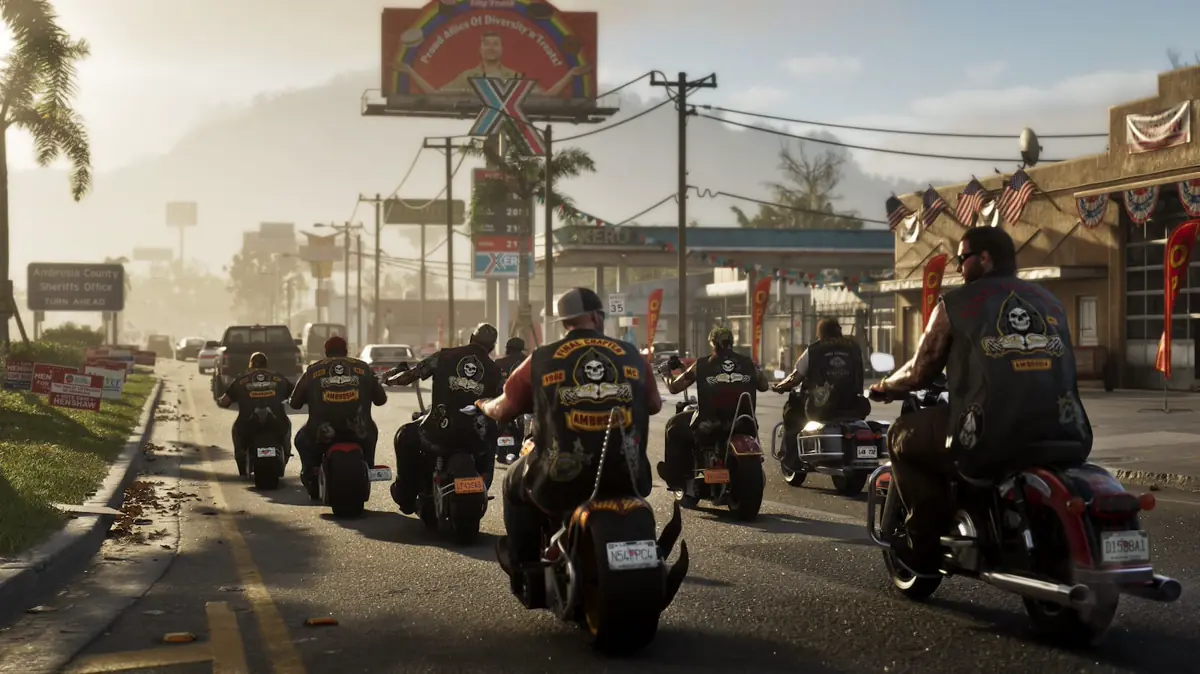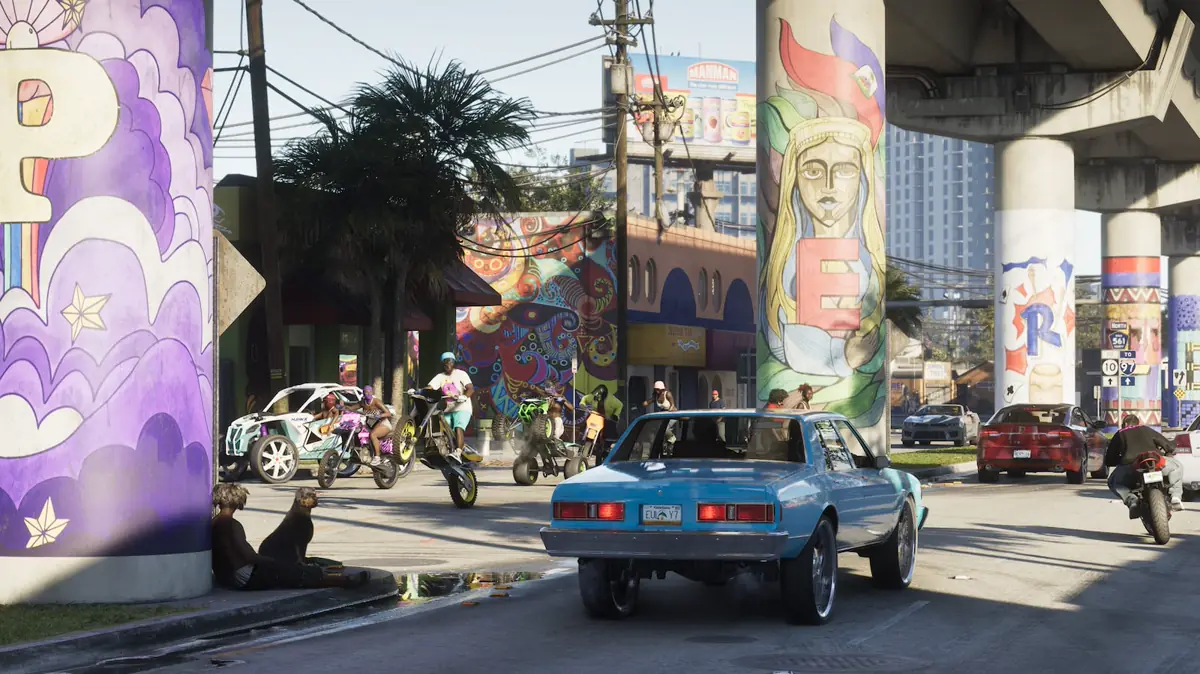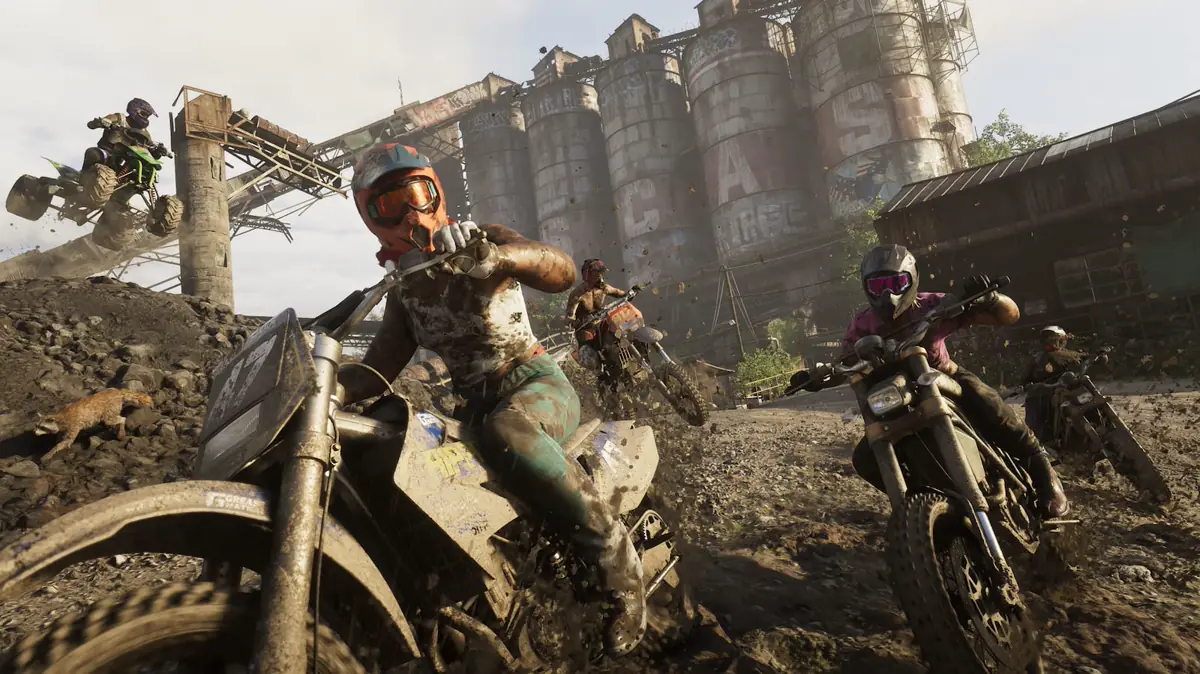
Photo mode in GTA 6 is called Photo Studio, and it’s there from early in the story. Pause the game and choose Photo Studio, or press Square on PS5 (X on Xbox) from the pause menu. It freezes the exact moment you paused, so you can set up a shot in the middle of a chase or a shootout. TheNewbs paused right as police backup was rolling in and built a photo around it.
Photo Studio also works during cutscenes, but GameSpot says you get fewer options there.
Moving the camera
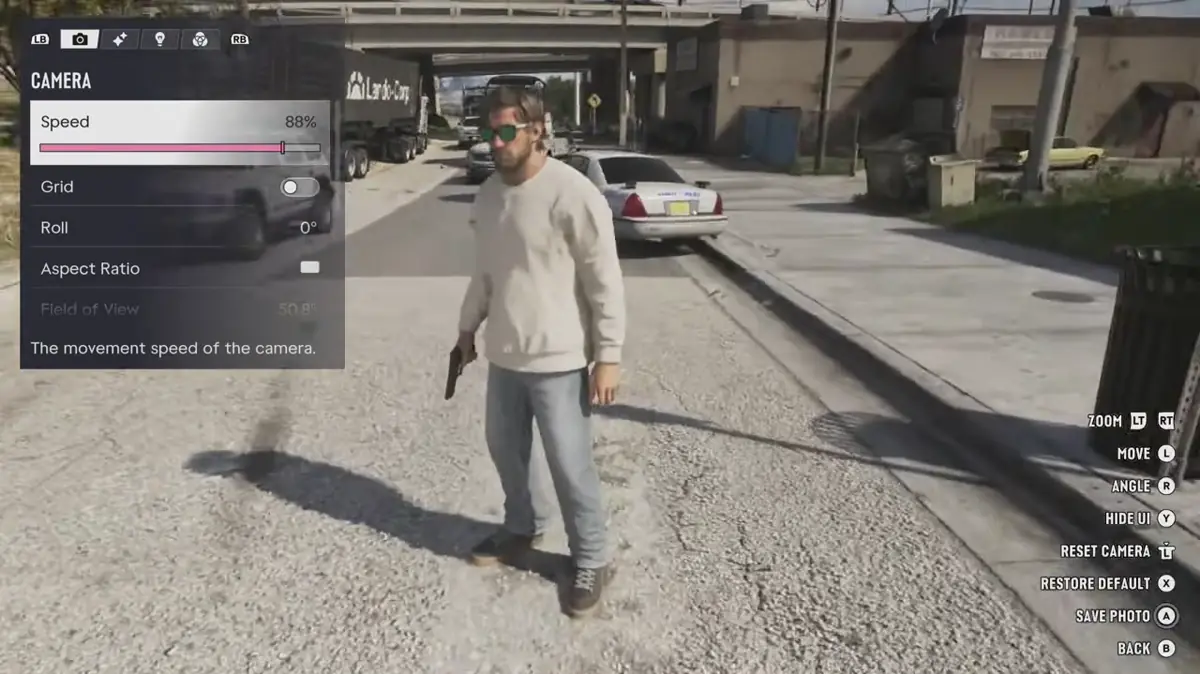
The button guide sits in the bottom-right corner. On a controller:
| Action | PS5 | Xbox |
|---|---|---|
| Move the camera | Left stick | Left stick |
| Change the angle | Right stick | Right stick |
| Zoom | L2 / R2 | LT / RT |
| Switch tabs | L1 / R1 | LB / RB |
| Hide the menus | Triangle | Y |
| Save the photo (hold) | X | A |
| Leave | Circle | B |
Hide the menus before you shoot so you can see the whole frame. Leaving without saving throws away everything you set up, so save first.
The tabs
- Camera: camera speed, a grid for framing, roll, aspect ratio, field of view, depth of field, aperture and focus distance. There’s also a toggle to make your character invisible. The Breakdown cycled through eight aspect ratios, including 16:9, 2.35:1, 1:1 and the vertical 9:16.
- Effects: exposure, contrast, shadows, saturation, tint, bloom and chromatic aberration.
- Lighting: add light sources in up to five slots, with presets such as stage lights and camera flashes. Each light has its own intensity, range and beam angle, and you can switch it off to compare.
- Vehicle: toggles your car’s lights, such as the headlights and brake lights.
- Overlay: turns gameplay effects on or off and adds a vignette, color isolation or a filter. GameSpot singles out three filters: Cartoon Universe (a light cel-shaded look), Found Footage (grainy and distorted, like a found-footage movie) and Pixel Art (an 8-bit look).
Where the photos go
Photos are saved as normal console screenshots. On Xbox you’ll find them under captures in the guide menu, and on PS5 they land in the console’s captures too. TheNewbs couldn’t find a way to browse them inside the game on Xbox.
Selfies with the phone
For quick shots, use the Camera app on Jason or Lucia’s phone. It can flip around for a selfie and lets you pick a pose and facial expression. If your partner is with you, you can change their pose too.
The phone camera is separate from Snapmatic, the in-game social network, which has its own tricks. For more phone features and controls the game never explains, see GTA 6 hidden features. If you want sharper shots in general, check the best settings, and for great backdrops, the map of regions and counties.