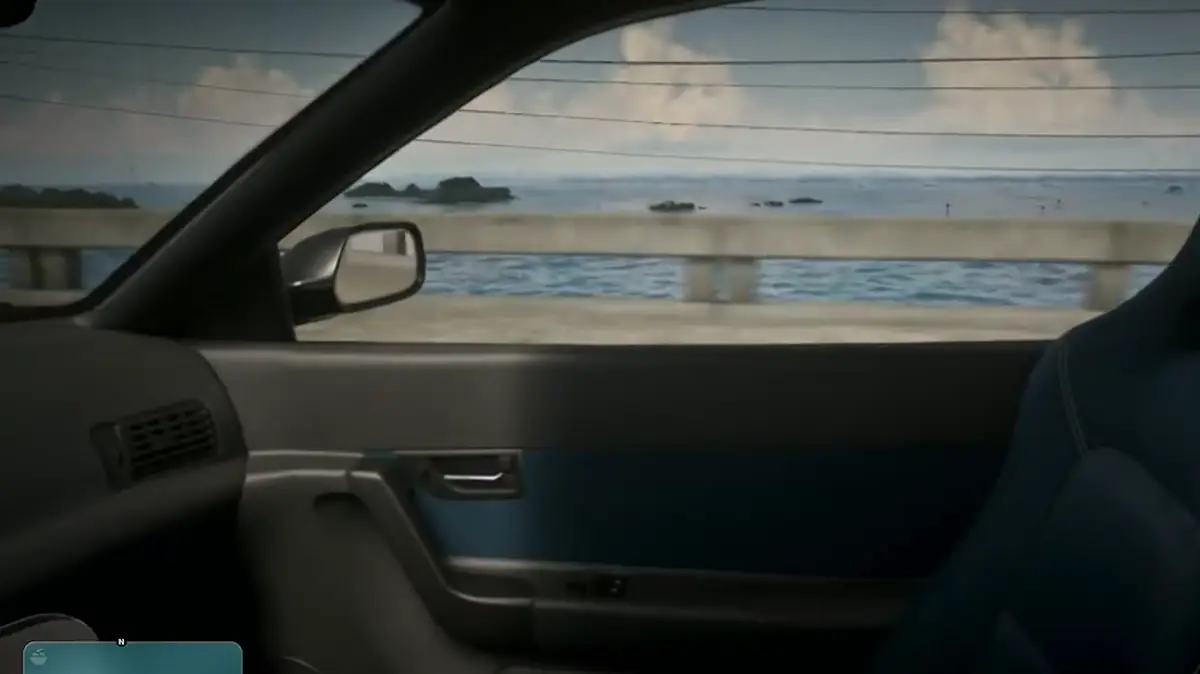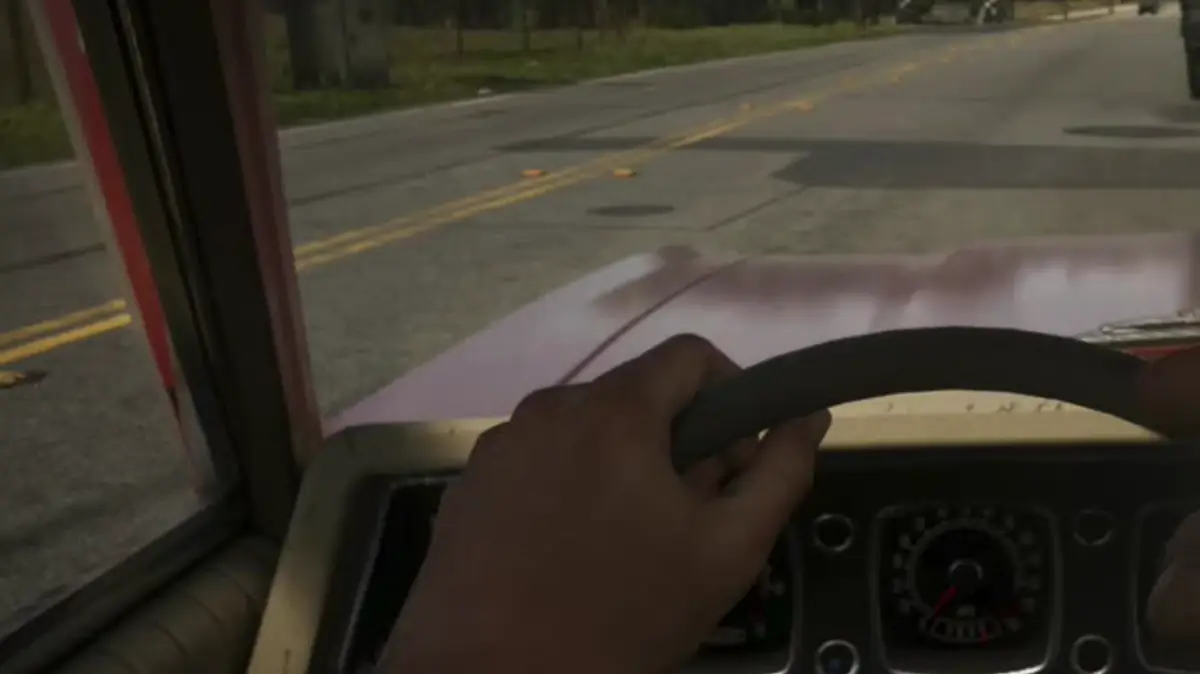
No, GTA 6 doesn’t have a first-person mode, and it isn’t hiding anywhere in the menus. You can get close, though. The easy way: pull out your phone while you’re driving and the camera switches to the driver’s view on its own. StevieWunderKid, MrBossFTW and Bombastic all show it in their videos. GamesRadar+ also tested a second trick with the camera button that keeps you in first person until you visit a repair shop.
There’s no setting for it
MrDalekJD says plenty of people have gone digging through the settings for a first-person option, and it just isn’t there. The closest thing you’ll find is the camera height setting. StevieWunderKid agrees there’s no official first-person driving view and says he has no idea whether Rockstar will add one later. GamesRadar+ confirms there’s no dedicated first-person mode, even though GTA 5 had one.
Other camera tweaks, like the three zoom distances, are covered in the best GTA 6 settings.
The phone trick
- Get in a car and start driving.
- Take out your phone.
- The camera moves inside the car, at the driver’s eye level.
You keep full control of the car, but your driving gets worse. MrBossFTW explains that the road goes out of focus and you can’t see much, so your attention is split. Bombastic tried texting at speed, called it really dangerous and said this is the first person you get in the game. In that same stretch of his video he ended up crashing, and the car lost its engine and a wheel.
Save it for an empty straight or slow cruising, not a police chase.
The camera button trick: first person until the repair shop
GamesRadar+ walked through a way to stay in first person, including while driving with the road in focus. It started with a Reddit user and builds on the fact that the phone already flips the camera. Here’s how:
- Pause the game and open Settings.
- Go to the Controller tab and scroll down to Touch Pad Button (PS5) or View Button (Xbox).
- Set that button to Camera, then close the menu.
- Get in a car and take out your phone with D-pad up.
- Put the phone away with Circle (B on Xbox) and right away tap the touch pad (the View button on Xbox) several times.
The timing window is tight, so expect a few attempts. Once it works, the camera stays in first person pretty much all the time. According to GamesRadar+, driving works almost perfectly, and the right stick lets you look around the cabin and at your passenger. Gunplay is clumsier.
To switch back, drive to a repair shop. The short cutscene of the car rolling into the garage resets the camera, and you can leave right away. If you’re done with the trick, change the button setting back to what it was.
What you can see from the driver’s seat
StevieWunderKid used the phone trick to show off the dashboard, and almost all of it works:
- Speedometer and tachometer move, on both analog and digital clusters.
- Gear display: the dash shows park, reverse, neutral and drive. Cars with a digital readout even show the gear number as you shift up and down.
- Gearbox sounds: sitting still, you can hear the car clunk between drive and reverse. On the move the shifts make a mechanical noise too, but the engine and street sounds mostly cover it.
- Temperature gauge: it climbs when the car sits still and drops slightly as you drive, much like GTA 5.
- Fuel gauge: the needle falls in step with the fuel readout on your HUD. Fuel actually runs out now, so see how to refuel and repair your car.
Stevie also points out how detailed the interiors are, and from this view you can take in the whole cabin.
First person on foot and through a scope
This page originally said the only first-person view outside a car was through a scope. MrDalekJD says that with certain optic attachments, clicking both sticks together while aiming switches to a first-person sight. MrBossFTW shows a different input for scoped weapons: hold L2 (LT on Xbox) and click R3 (RS) to toggle the aiming view.
GamesRadar+ goes further. It says that same L2 + R3 input gives you a temporary first-person view in most situations, including walking around and talking to people, not just behind a scope. The one exception is driving. If one input doesn’t work for you, try the other.
Outside of those cases, the game stays in third person. For more early-game basics, see the GTA 6 beginner tips.