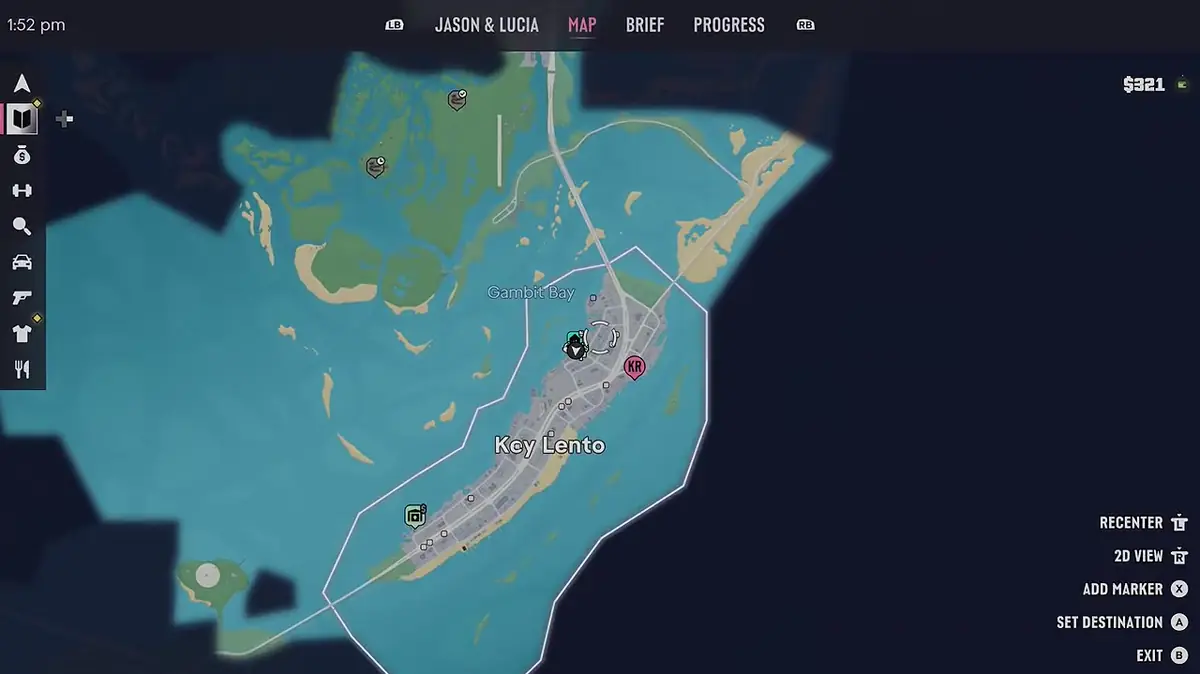
GTA 6’s map fills up with icons fast, and the easiest way to find what you want is the index. It sorts missions, robberies, shops and activities into tabs. The tab breakdown comes from GamesRadar+. Kotaku, BennyCentral and GamingBolt all use the same Quick Navigation shortcut, and BennyCentral and MrDalekJD explain what the map colors and the fog mean.
How to open it
- Open the map with the touchpad (PS5).
- Press Right on the D-pad. The index bar shows up on the side of the screen.
- Pick a tab and hover over each entry to read more about it.
The 9 index tabs
| Tab | Icon | What it lists |
|---|---|---|
| Personal | arrow | Your vehicles, residence, owned garages and ATMs for cash deposits |
| Story | diary | Story missions; the ones under “Optional” can be done any time |
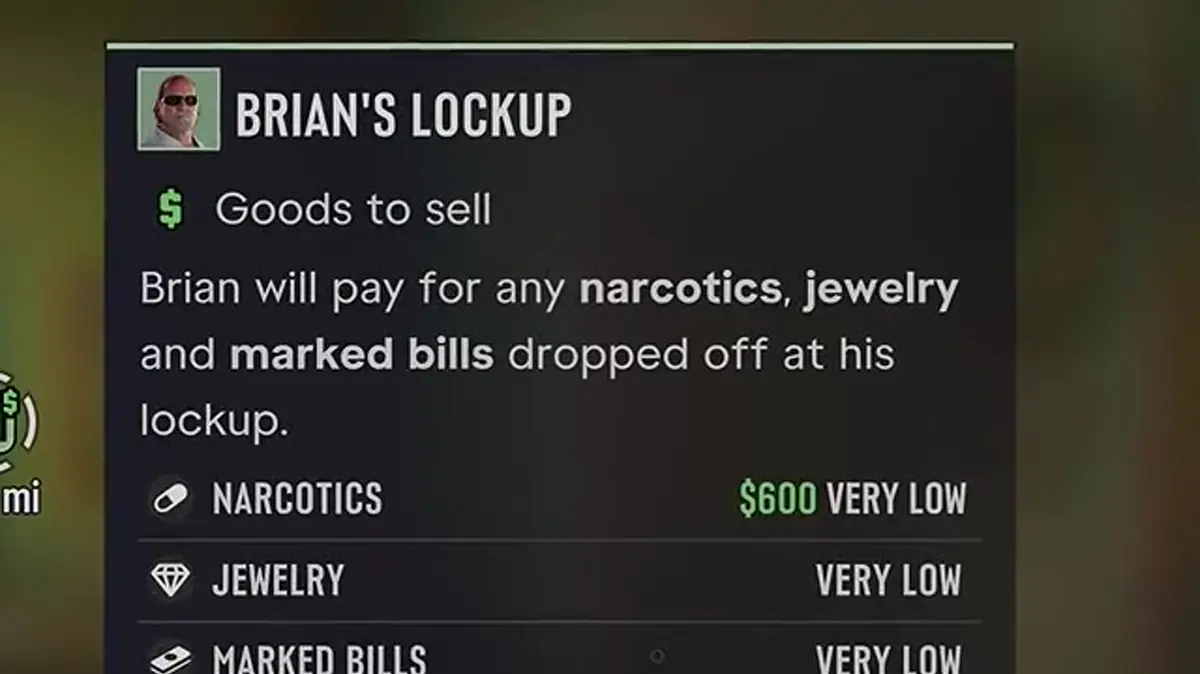
| Robberies | cash sack | Discovered banks, vehicle drop-offs, stick-ups, gang hideouts and more |
| Activities | weights | Races, shooting ranges, golf, hunting, fishing, gyms and clubs |
| Exploration | magnifying glass | Points of interest, optional quests, neighbor favors, stunt jumps, base jumps and pawn shop collectors |
| Vehicles | car | Mod shops, Pay ‘n’ Spray, gas stations, transport hubs, ferries and your unlocked garages |
| Weapons | gun | Ammu-Nation stores, split into Everyday, Premium, Hunting and Pawn |
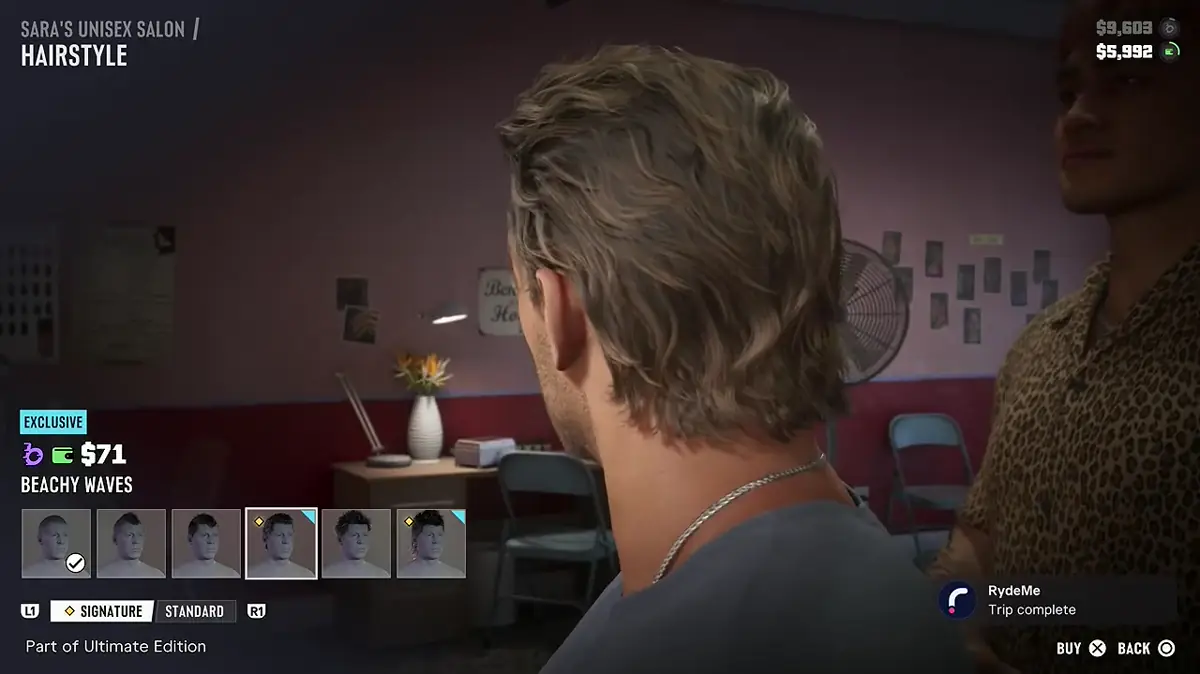
| Style | shirt | Clothing stores, tattoo parlors, hair and makeup for Jason and Lucia |
| Food | knife and fork | Bars, cafes, convenience stores, fast food and liquor stores |
Anything you just discovered shows up in the index with an orange diamond.
Take a proper look at the Exploration tab. MrDalekJD points out that it lists favors your neighbors want, like a liquor run for Shirley next door, plus mini games and side jobs that hand out bonuses you might not know about.
How to set a destination
- From the map or index: hover over the task and press X. It becomes your active destination and the GPS shows the route.
- Quick Navigation, no map needed: while roaming, hold Down on the D-pad. Time slows down and nearby points of interest appear (missions, gas stations, shops). Press R3 on a marker to set the route. Handy when you’re low on fuel. BennyCentral and GamingBolt use the same shortcut, and NorZZa notes it also brings up the minimap and your stats for a moment.
- Extra markers: you can only have one active destination. You can still drop as many markers as you like: with the map open, point at a spot and press Square.
Which buildings can you enter?
The game never tells you, but BennyCentral worked out what the building colors on the map mean:
- Dark blue: there’s a way in somewhere. Sometimes it’s only a garage or a small corridor.
- Light blue: you can’t go in.
To find the door, rotate the map and look around the building. Out in the world, the interact prompt pops up once you’re close to a door that opens.
The map starts covered in fog
The first time you open the full map, most of it is hidden under fog. Each patch only shows up once you’ve walked, driven or flown through it. MrDalekJD says flying clears big chunks fastest. The more you reveal, the more shops and points of interest show up in the index.
KhrazeGaming also uses the taxi skip to reach spots he’s never been to. Here’s how in hidden features.
Tip
Between chapters, check the Robberies and Exploration tabs. That’s where banks, gang hideouts and collectors show up, and they pay well. See also how to make money in GTA 6 and the beginner tips.